
As the leaves begin to turn and a crispness fills the air, there’s no better time to infuse your digital spaces with the warmth and beauty of autumn. Your iPad, a constant companion, offers a perfect canvas to reflect the season’s charming aesthetic.
Elevate your device from a mere gadget to a stylish accessory with backgrounds that evoke comfort, sophistication, and the vibrant spirit of fall. Imagine rich autumnal hues, cozy textures, and picturesque landscapes greeting you every time you unlock your screen.
We’ve curated a list of stylish fall backgrounds designed to inspire and transform your iPad display. Get ready to embrace the magic of the season right at your fingertips.
#1 Cozy Cabin Hygge

Embrace the Danish concept of ‘hygge’ with a background that exudes warmth and comfort. Think crackling fireplaces, soft woolen blankets draped over rustic furniture, and mugs of steaming hot chocolate or cider. These backgrounds create an instant sense of relaxation.
Choose images featuring soft, inviting textures and natural elements that invite you to slow down and savor the season. Rich browns, deep reds, and creamy whites dominate, providing a serene backdrop for your daily tasks.
A perfectly curated hygge scene can transform your iPad into a small window to a peaceful autumn retreat.
#2 Rustic Farmhouse Charm

Capture the quaint beauty of the countryside with farmhouse-inspired fall backgrounds. Imagine weathered barn wood, vintage lanterns, scattered vibrant pumpkins, and bushels of dried corn. These scenes bring a touch of nostalgic simplicity to your device.
Look for compositions that highlight natural materials and the subtle beauty of autumnal harvest. Earthy tones, combined with pops of orange and deep green, create a grounded and inviting aesthetic.
This style is perfect for those who appreciate classic, timeless autumn decor and a touch of rural elegance.
#3 Enchanted Forest Pathway
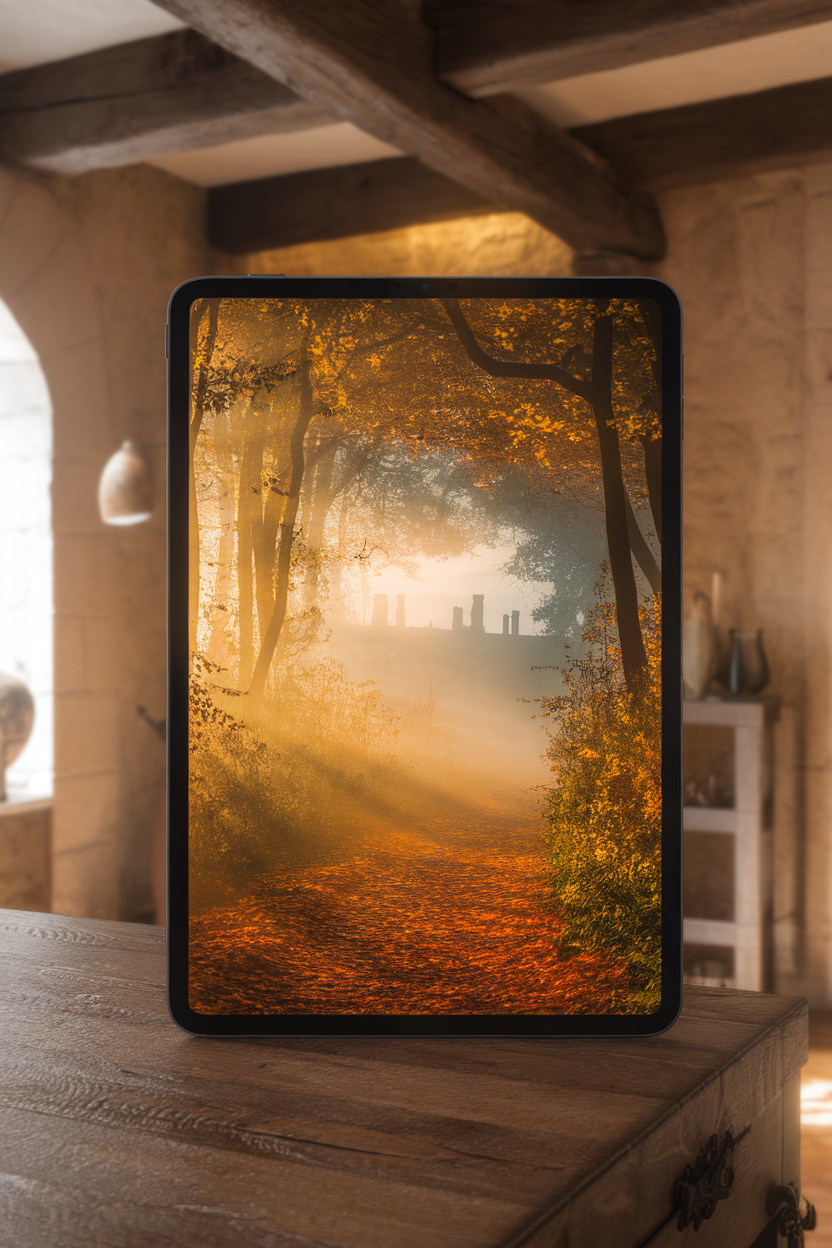
Step into a magical woodland with backgrounds showcasing winding forest paths covered in fallen leaves. Picture towering trees with branches adorned in brilliant gold, crimson, and amber, illuminated by dappled sunlight filtering through the canopy.
These backgrounds evoke a sense of wonder and tranquility, perfect for escaping into nature without leaving your desk. The depth and rich colors of a forest scene add a dramatic yet peaceful element to your iPad display.
Focus on scenes with a clear pathway leading the eye into the autumnal landscape, creating a captivating visual journey.
#4 Modern Abstract Autumn
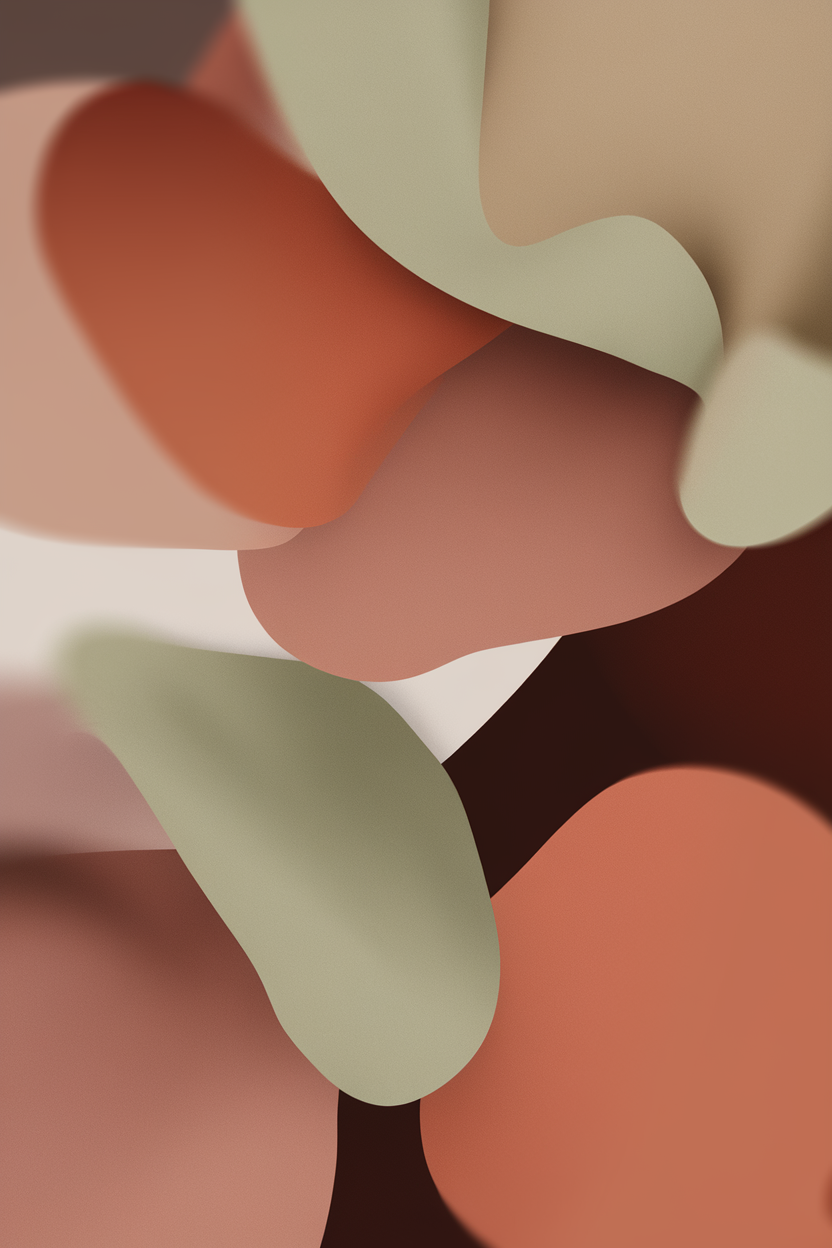
For those who prefer a more contemporary aesthetic, abstract fall backgrounds offer a chic and sophisticated option. Think artistic interpretations of autumnal colors, blurred leaf patterns, or minimalist designs using fall’s iconic palette.
These backgrounds often feature clean lines, subtle gradients, and a focus on color harmony rather than explicit imagery. Muted tones like terracotta, sage green, deep plum, and burnt orange are often used in captivating arrangements.
An abstract design provides a modern twist on seasonal decor, keeping your iPad display sleek and stylish while still celebrating the essence of autumn.
#5 Golden Hour Vineyard Views
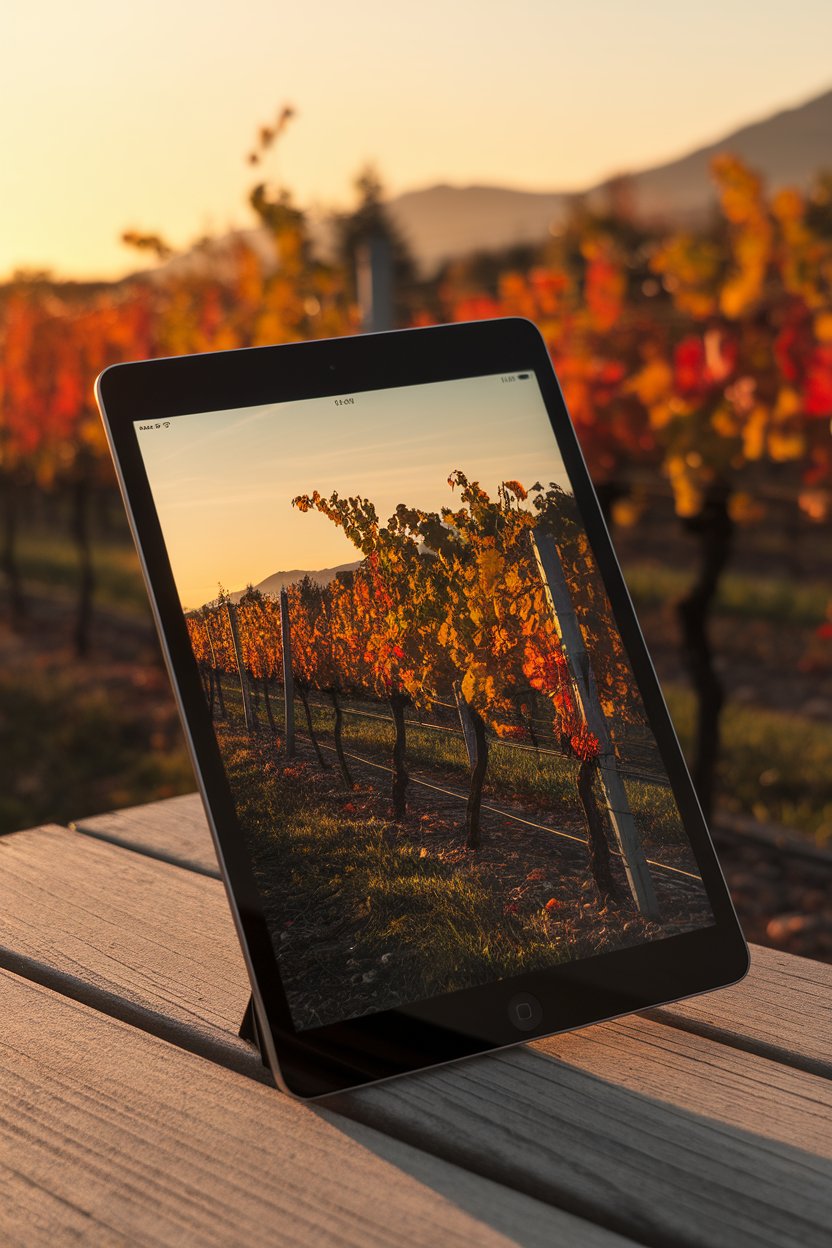
Immerse your iPad in the romantic glow of a vineyard bathed in golden hour light. These stunning backgrounds feature rows of grapevines, often heavy with ripe fruit or showing off their fiery autumn foliage, under a warm, soft sky.
Such scenes capture the essence of a tranquil late afternoon, with long shadows and a gentle, inviting ambiance. The rich greens, deep purples, and vibrant reds of the vines create a sophisticated and natural color scheme.
Perfect for wine lovers or anyone who appreciates the serene beauty of agricultural landscapes during the most beautiful time of day.
Frequently Asked Questions
Where can I find high-quality fall backgrounds for my iPad?
Many websites offer free and paid high-quality fall backgrounds. Reputable sources include Unsplash, Pexels, and Pixabay for free options, offering a vast library of user-submitted photographs. For more curated or artistic selections, consider websites like Etsy or premium stock photo sites.
App stores also feature wallpaper apps specifically designed for iPads, which often include seasonal collections. When choosing, prioritize images with high resolution to ensure they look sharp and clear on your iPad’s Retina display.
Always check the licensing agreements if you plan to use images for anything beyond personal use.
How do I change the wallpaper on my iPad?
Changing your iPad wallpaper is a straightforward process. First, open the ‘Settings’ app on your iPad. Then, scroll down and tap on ‘Wallpaper’.
From there, you can choose a new wallpaper. You’ll have options to select from Apple’s default wallpapers or choose an image from your own ‘Photos’ library. After selecting your desired fall background, you’ll be prompted to set it for your ‘Lock Screen’, ‘Home Screen’, or ‘Both’.
Tap on your preferred option, and your new stylish fall background will instantly transform your iPad’s look.
What resolution should fall backgrounds be for an iPad?
For optimal clarity and sharpness, your fall backgrounds should ideally match or exceed your specific iPad model’s native screen resolution. For example, many newer iPad Pro models have resolutions around 2732 x 2048 pixels.
Using images with resolutions lower than your iPad’s screen can result in pixelation or a blurry appearance. While slightly larger images will scale down beautifully, significantly smaller ones will not scale up well.
Checking your iPad model’s exact resolution and searching for wallpapers that meet or exceed those dimensions will ensure the best visual quality.
Can I use live fall wallpapers on my iPad?
Yes, iPads do support Live Photos as wallpapers for the Lock Screen, which can give the appearance of a ‘live wallpaper’ when you press and hold the screen. Many apps also offer animated or dynamic wallpapers.
However, it’s important to note that Live Wallpapers typically only animate on the Lock Screen and not on the Home Screen. Additionally, older iPad models might not support this feature.
While traditional ‘live wallpapers’ with continuous animation are not natively supported on the Home Screen as they are on some other devices, Live Photos offer a beautiful, interactive alternative for your autumnal lock screen.
How often should I change my iPad background?
The frequency with which you change your iPad background is entirely a matter of personal preference! Some people enjoy updating their wallpaper weekly or even daily to match their mood or current seasonal theme, while others prefer to keep the same background for months on end.
Changing your background seasonally, like for fall, is a great way to keep your device feeling fresh and aligned with the current atmosphere. It’s a simple yet effective way to personalize your digital environment.
Experiment with different fall aesthetics and see what brings you the most joy and inspiration. There’s no right or wrong answer when it comes to personalizing your tech.
Conclusion
Transforming your iPad display with stylish fall backgrounds is a delightful way to celebrate the season and personalize your most-used device. From the cozy warmth of a cabin hygge to the sophisticated allure of a golden hour vineyard, there’s a perfect autumnal aesthetic waiting for you.
These curated ideas offer a spectrum of styles to suit every taste, ensuring your iPad isn’t just a tool, but a beautiful extension of your seasonal decor. Each unlock can bring a moment of inspiration, comfort, or a glimpse into an enchanting autumn scene.
Embrace the rich colors and inviting textures of fall, and let your iPad display reflect the captivating beauty of this beloved season.